
Important Instructions
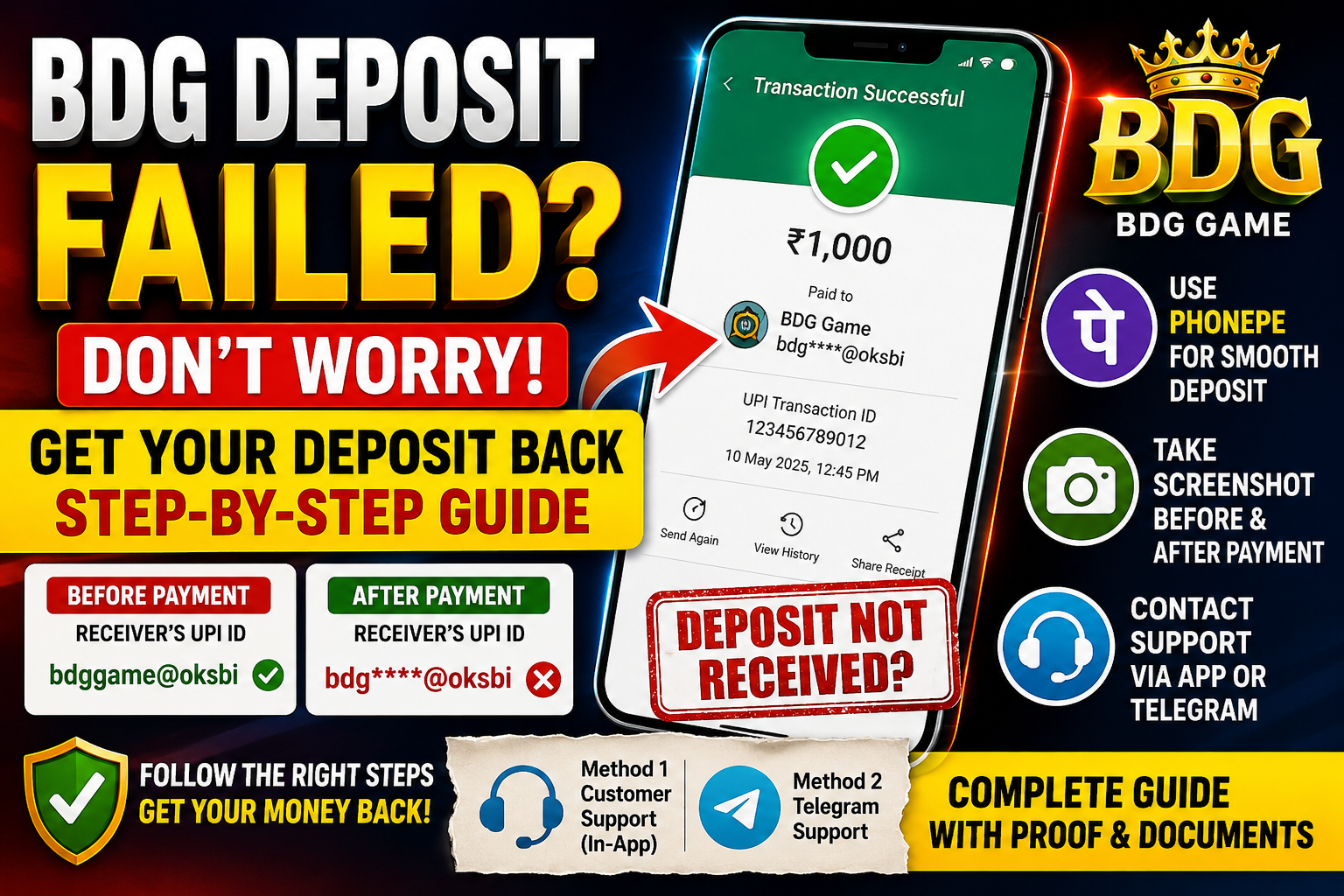
- For smoother deposits, we strongly recommend using PhonePe.
Don’t Have PhonePe?
👉 Register on PhonePe: https://phon.pe/r5nk70ph
We recommend using PhonePe because transaction details are usually easier to access during deposit verification.
- Before making a payment, take a screenshot of the Receiver’s UPI ID shown on the deposit page.
- After completing the payment, take another screenshot of the successful transaction.
- Sometimes after payment, the Receiver’s UPI ID is displayed with hidden characters (*****), making it difficult for Customer Support to verify the payment.
- Keeping screenshots of the Receiver’s UPI ID before payment and the successful payment confirmation after payment can help resolve deposit issues much faster.
Method 1: Raise a Complaint Through Customer Support
- Open the BDG Game App.
- Click on Customer Service.
- Select Deposit Not Received.
- Choose the deposit transaction that has not been received.
- Verify the transaction date and time carefully.
- Click on the transaction and submit the required details.
Required Documents
- UTR Number
- UPI ID
- Bank Statement PDF
- Screenshot of successful payment
- Video recording showing:
- Login to your bank account
- Transaction History
- The specific deposit transaction
Note: You may need another phone to record the verification video.
Important
If your payment screenshot shows the UPI ID with hidden characters (*****), use the screenshot taken before payment where the complete Receiver’s UPI ID is visible. You may edit and highlight the UPI ID before submitting.
Method 2: Contact Support Through Telegram
- Open Customer Support in the BDG Game App.
- Select Game Problems.
- Send the following message:
“Give me my Mentor ID”
- After a few minutes, check the Progress Query option.
- You will receive a Telegram ID.
- Contact that Telegram ID and explain your deposit issue.
- Provide all details and documents requested by the support team.
Required Information
- User ID
- UTR Number
- UPI ID
- Deposit Amount
- Payment Screenshot
- Bank Statement
- Verification Video (if requested)
Once all details are submitted correctly, the support team will verify your transaction and process your deposit issue.
—
BDG Deposit Fail हो गया? अपना Deposit वापस पाने के लिए ये Steps Follow करें
Important Instructions
- Smooth Deposit Experience के लिए हम PhonePe इस्तेमाल करने की सलाह देते हैं।
अभी तक PhonePe Account नहीं है?
👉 PhonePe Account Create करें: https://phon.pe/r5nk70ph
Deposit Verification के दौरान PhonePe की Transaction Details आसानी से उपलब्ध होने के कारण हम PhonePe इस्तेमाल करने की सलाह देते हैं।
- Payment करने से पहले Deposit Page पर दिखाई गई Receiver’s UPI ID का Screenshot जरूर लें।
- Payment सफल होने के बाद Successful Transaction का Screenshot भी लें।
- कई बार Payment के बाद Receiver’s UPI ID ***** (hidden characters) के रूप में दिखाई देती है, जिससे Verification में Problem हो सकती है।
- इसलिए Payment से पहले Receiver’s UPI ID का Screenshot और Payment के बाद Successful Transaction का Screenshot सुरक्षित रखें। इससे Deposit Issue जल्दी Resolve करने में मदद मिलती है।
Method 1: Customer Support के माध्यम से
- BDG Game App खोलें।
- Customer Service पर क्लिक करें।
- Deposit Not Received विकल्प चुनें।
- जो Deposit Receive नहीं हुआ है उसे Select करें।
- Date और Time सही से Verify करें।
- संबंधित Transaction पर क्लिक करके नीचे दी गई Details Submit करें।
Required Documents
- UTR Number
- UPI ID
- Bank Statement PDF
- Payment Screenshot
- Verification Video जिसमें:
- Bank Account Login दिखे
- Transaction History दिखे
- संबंधित Transaction दिखे
Note: Verification Video Record करने के लिए आपको दूसरा Phone इस्तेमाल करना पड़ सकता है।
Important
यदि Payment Screenshot में UPI ID ***** के रूप में दिखाई दे रही है, तो Payment से पहले लिया गया Screenshot उपयोग करें जिसमें पूरी Receiver’s UPI ID दिखाई देती हो। जरूरत हो तो Screenshot Edit करके UPI ID Highlight कर सकते हैं।
Method 2: Telegram Support के माध्यम से
- App में Customer Support खोलें।
- Game Problems विकल्प चुनें।
- यह Message भेजें:
“Give me my Mentor ID”
- कुछ मिनट बाद Progress Query Option चेक करें।
- वहां आपको एक Telegram ID मिलेगी।
- उस Telegram ID पर Deposit Problem की जानकारी भेजें।
- Support Team जो Documents मांगे, वे सभी Provide करें।
Required Information
- User ID
- UTR Number
- UPI ID
- Deposit Amount
- Payment Screenshot
- Bank Statement
- Verification Video (यदि मांगा जाए)
सभी Details सही तरीके से Submit करने के बाद Support Team Transaction Verify करेगी और आपके Deposit Issue को Process करेगी।